8 Klaviyo Review Request Flows DTC Brands at $50K+/Month Are Underusing in 2026
Discover 8 Klaviyo review request flows that drive social proof revenue for DTC brands. Step-by-step setup included.
- TL;DR
- 1. The Post-Purchase Review Request Flow (Your Missing Revenue Baseline)
- 2. Segmented Review Request Flows by Product Category
- 3. The Incentivized Review Request Flow (Discount-Backed Review Ask)
- 4. Visual Review Request Flow (Photo and Video Reviews)
TL;DR
- Most DTC brands run one generic review request flow, they should be running eight
- Klaviyo's native review request flows feature single items to boost response rates
- Multi-channel review flows (email + SMS) capture more reviews than email-only
- Post-review thank you flows amplify social proof by triggering review display
- Segmentation by product category unlocks review volume for specific SKUs
1. The Post-Purchase Review Request Flow (Your Missing Revenue Baseline)
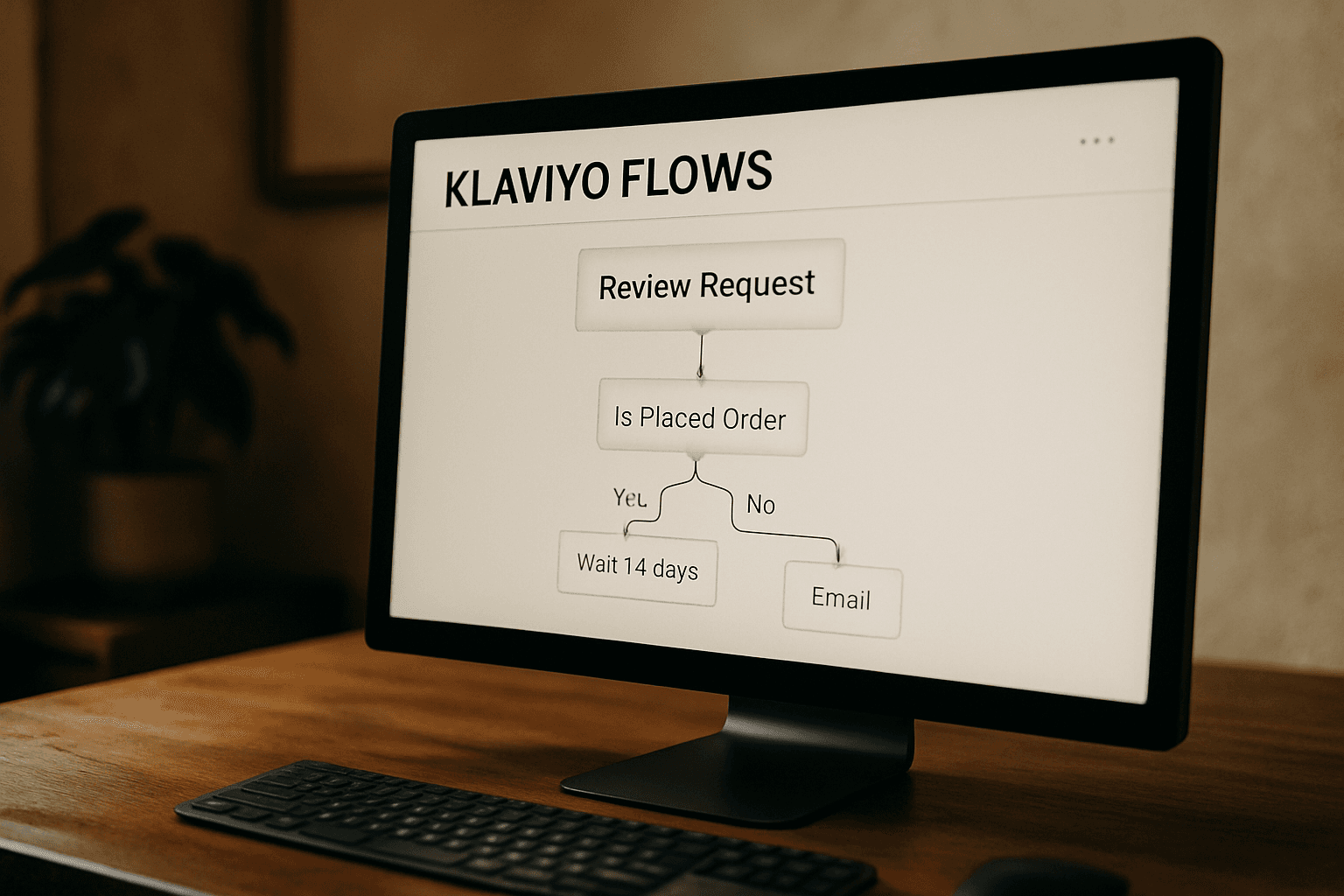
Build this Klaviyo flow by navigating to the Flows tab, clicking Create flow, and searching for "Review request" (Klaviyo Help Center). Set it to trigger 7-14 days after delivery, once your customer has actually used the product. According to ReferralCandy, post-purchase is one of three essential flows alongside welcome and abandoned cart. Each request should feature a single item to enhance clarity and increase response rates (Klaviyo Help Center). Include a direct product link for one-click review submission. This flow is your quiet revenue driver: it collects social proof without interrupting the purchase experience. Build it once, let it run indefinitely.
2. Segmented Review Request Flows by Product Category
Stop sending the same review request to every customer regardless of what they bought. Klaviyo flows let you segment by product type, not just order date, apparel needs different timing than supplements, and your review copy should match the experience. Create separate flows for each major collection or product category, then tailor subject lines and copy to reflect what customers actually purchased. Each request should feature a single item to enhance clarity and increase response rates. This approach captures significantly more reviews per SKU than generic batch-and-blast requests, giving you richer product feedback and social proof where it counts most.
3. The Incentivized Review Request Flow (Discount-Backed Review Ask)
If your first review request gets no response, a discount-backed incentive can close the gap. Set up your Klaviyo flows to send a second email offering a small discount code 48 hours after the initial review ask. Use a conditional split to segment customers who left a review from those who haven't, then follow up only with the non-responders. This flow recovers reviews from customers who needed an extra push to act. You get more social proof; they get savings on their next order. That's a conversion-friendly exchange that keeps the email revenue flowing.
4. Visual Review Request Flow (Photo and Video Reviews)
Go beyond star ratings. Build a Klaviyo flow that asks customers to submit actual photos or videos of your product in use. Each review request features a single item to enhance clarity and increase response rates. Pair this with Okendo, which sends automated review request emails after fulfillment through your existing Klaviyo setup. Include clear, mobile-friendly upload instructions in the email body, many customers will be opening on their phones. Visual reviews outperform text-only ratings because they show your product in real life, not just staged studio shots. When these reviews display on your product pages, they dramatically improve conversion rates by giving hesitant shoppers the social proof they need to buy.
5. Multi-Channel Review Flow (SMS + Email Combination)
Set up Klaviyo flows to trigger both email and SMS review requests in sequence. Send the email first around day 7 post-purchase, then follow up with an SMS on day 9 if the customer hasn't opened the email. SMS often achieves higher open rates than email, making it a valuable second touchpoint for gathering reviews from customers who may have missed your email. Each review request should feature a single item to enhance clarity and increase response rates. Make sure you only send SMS to customers who explicitly opted in to text messaging. This two-channel approach catches more customers in their preferred inbox without being intrusive.
Map every DTC customer lifecycle stage to automated email and SMS flows. Here's the 5-flow framework that turns one-t...
6. Post-Review Thank You Flow (The Amplification Step)
Trigger this Klaviyo flow the moment a customer submits a review. Show them their review is live, it confirms their voice mattered and builds trust in your brand. Then ask them to amplify it. Include social sharing buttons and a direct link to the review page. Most brands stop at collection, but real ROI lives in distribution. When past customers share positive reviews on Instagram or Facebook, you're earning owned attention instead of paying for it. This flow runs automatically, review confirmation, social ask, and brand reinforcement in one sequence.
7. Review Request Retargeting Flow (Non-Responder Recovery)
Most brands send one review request and move on. Many brands find that a single review request captures only a fraction of their total review potential, leaving significant social proof uncollected. Build a separate Klaviyo flows sequence for customers who never opened or clicked your first request. Use recipient activity data to identify non-responders, then wait 14-21 days before re-engaging with a completely different subject line and offer, don't repeat the same ask verbatim. A revised incentive, a personal tone shift, or a new visual angle gives you a second shot at conversion without annoying customers who already responded. According to Klaviyo Help Center guidance, each review request should feature a single item to enhance clarity and increases response rates, apply this principle to your retargeting emails too. This flow quietly recovers reviews you'd otherwise lose, feeding your product credibility engine on autopilot.
8. Social Proof Push Notification Flow (Review Aggregation)
Most brands let 5-star reviews die quietly in their inboxes. Don't. Klaviyo flows automate push notifications based on customer behavior, so when a new review lands, you can immediately notify other shoppers who've viewed that product. The message is simple: "Someone just rated this 5 stars." This creates FOMO around products with fresh social proof, your other customers see others validating their potential purchase. It's not email, it's not SMS, it's a zero-cost touchpoint that hits when the timing is perfect. Set up a Klaviyo flow that triggers within hours of any new review posting, targeting past visitors who've browsed that product but haven't bought. Fresh reviews become your conversion engine.
Run all eight, and you have a review machine that feeds your product pages, your email flows, and your paid ad creative on autopilot. That's how you turn one-time purchasers into a steady source of social proof that converts new visitors without costing you ad spend.
Stop leaving revenue on the table. Discover 6 Klaviyo automation flows most DTC brands miss. Practical guide for Shop...
Book a free 15-minute strategy call to see how these flows fit into your current Klaviyo setup.
Frequently Asked Questions
How do I create a review request flow in Klaviyo?
Navigate to the Flows tab in Klaviyo, click Create flow, and search for 'Review request'. Klaviyo's native review request flows are designed to feature a single item per request, which enhances clarity and increases response rates. Set your timing trigger based on delivery confirmation, typically 7-14 days after the customer receives their order.
What's the best timing for sending Klaviyo review requests?
For most DTC products, 7-14 days after estimated delivery gives customers enough time to use the product and form an opinion. High-consideration products (furniture, electronics) may need 21-30 days. Use Klaviyo's fulfillment data to trigger based on actual delivery, not ship date.
Should I offer incentives for review requests?
Incentivized review requests (such as discount codes) can recover reviews from customers who would otherwise stay silent. Send the incentive 48 hours after the initial request if there's no response. Always segment incentive emails separately from standard review requests to maintain data cleanliness.
DTC email automation gaps costing your brand revenue. 8 reactivation triggers most $50K+/month Shopify stores miss.
Can I automate SMS review requests alongside emails in Klaviyo?
Klaviyo flows automate both email and SMS based on customer behavior. Build a multi-channel sequence: email on day 7, SMS follow-up on day 9 for non-openers. Ensure customers have SMS consent before texting. Push notifications work for this flow too if customers have opted in.
How do I track Klaviyo review flow performance?
Access Performance, then Details, then Recipient Activity to view delivered metrics. Track open rates, click rates, and review submission rates. Compare performance across segments (by product category, order value, first-time vs. returning customer) to identify optimization opportunities.
What's the difference between Klaviyo native review requests and third-party tools?
Klaviyo's native flows work out-of-the-box and focus on single items per request to maximize response rates. Third-party tools like Okendo add capabilities like photo/video review collection, star rating aggregation, and dedicated review page widgets. Many brands use both, Klaviyo for the automation flow and a review platform for the review display experience.
How many review request flows should a DTC brand run?
Many brands start with just one standard post-purchase flow. To maximize review volume and social proof, consider running at least four strategically different flows: (1) standard post-purchase, (2) segmented by product category, (3) incentivized retargeting for non-responders, and (4) post-review thank you for amplification. Each flow serves a different stage of the review collection funnel.